- Accounts
-
Shop
- Bundle / School Shop
- Personal Shop
-
SoundcheckPro
- Getting Started
- Session Mode
- Console Operation
- Audio Effects
- Education
- Advanced Functions
- Troubleshoot
- Xena Mixer
- Yamuka Mixer
- Maggie Mixer
- Zedd Mixer
- DG32 Digital Mixer
- SteeV88
- Audyssey Console
- Xena Web App
- EDU Portal
-
VirtualStudioXR
- Collab-Mode
- Getting Started
- Session Mode
-
WAX
- Getting Started
- Developer
Intro Tutorial
- Docs
- VirtualStudioXR
- Session Mode
- Intro Tutorial
Background
Virtual Studio offers an unparalleled experience for learning about the recording studio environment Familiarize yourself with the space and follow the common steps of signal flow to get sound to the speakers.
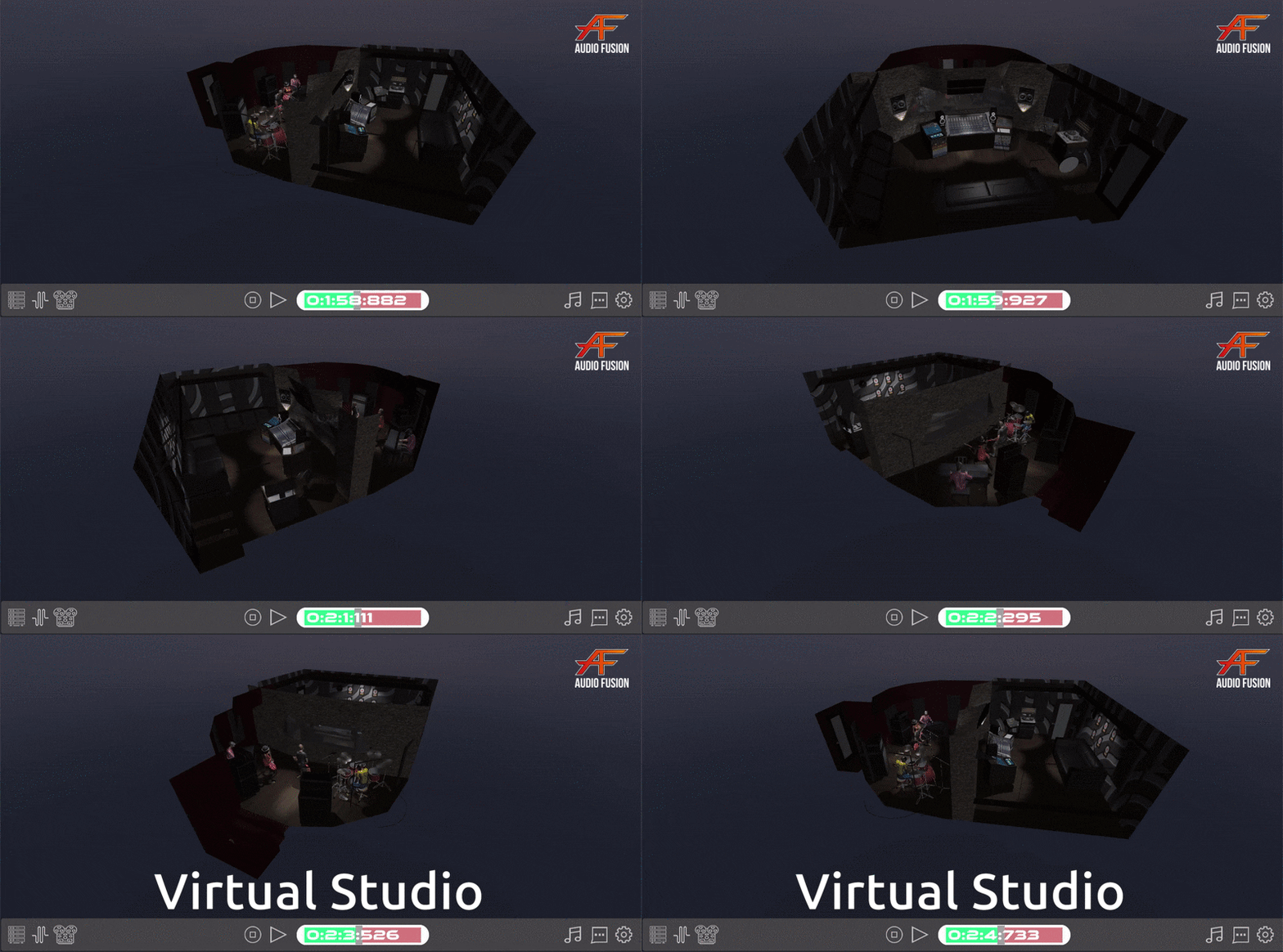
The Main Rooms
- Performance State (Studio) – Where performance is captured.
- Control Room – Where we work and mix those sources signals.

Getting Signal Through the Mixer
Channel Strips
Source signals arrive on the mixer in the order they are listed in file player. Many mixers will reflect the following steps to get sound going.
- Input Gain – signal level allowed into the mixer channel
- Channel Fader – signal level leaving the channel mixer
- Stereo Bus Assign – send signal to main mixes.
(This board has TWO main stereo busses)
Master Section
With signal(s) going to the master section, we can control the final output
- Master Fader – fed by assigned channels
- Monitor Bus Assign – which stereo bus to listen to
- Monitor Volume – Output level

More Tutorials
Virtual Studio has a set of lessons already in session mode accessible from the toolbar button
More learning tools and tutorials are in the pipeline. Stay tuned!
