
Introduction
The “Phantom Power” switch, located in the master section, supplies +48 volts to any of the XLR Mic inputs on the mixer. Certain microphones require external power in order to function properly. Warning, sending phantom power to an incompatible microphone could potentially damage it.
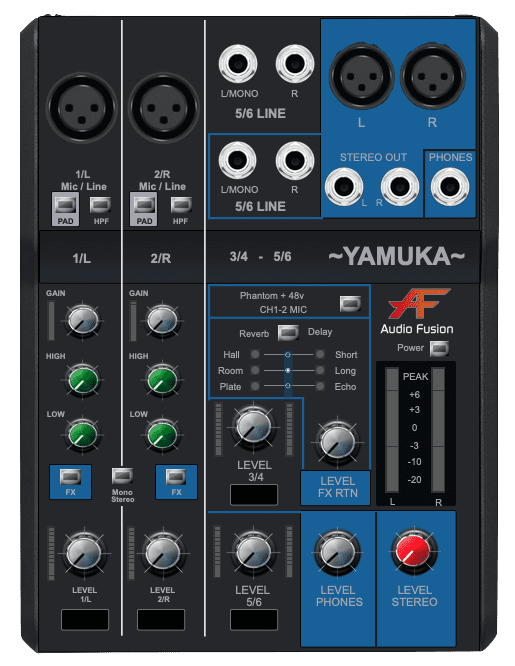
Phantom Power
Assign a Microphone
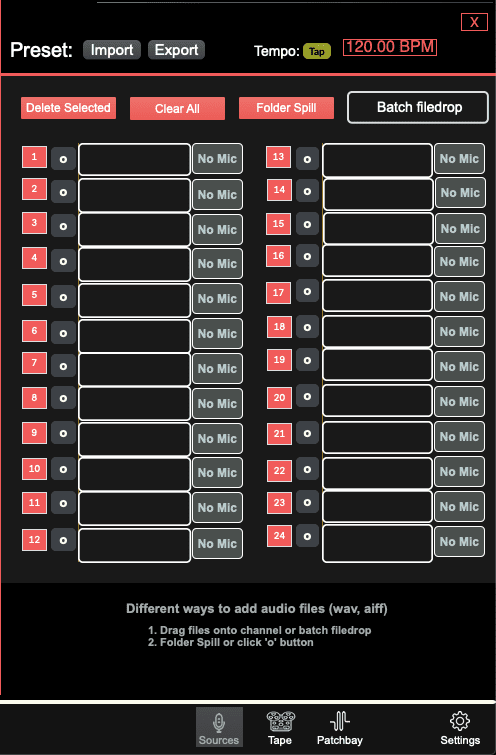
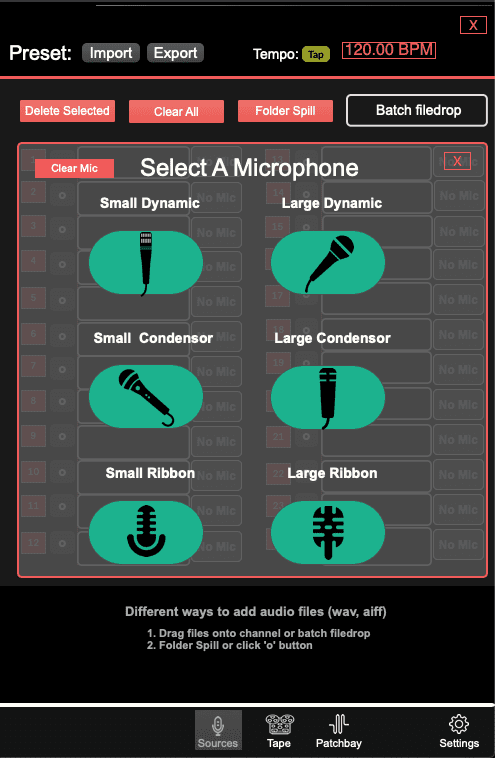
In the sources window, every channel can have a dedicated source type. By default, the sources are set to “Line”, however, could be assigned as a microphone. A mic will now reduce its file player signal by at least -20db. Several of the microphones require phantom power in order for the signal to feed the mixer.
Color Indicators
The status of a microphone is represented with color indicators.
- Red = not required and will trigger an alert! (no output)
- Yellow = required but not receiving 48v (no output)
- Green = required and receiving 48v (output)
Use With Caution!
Sending phantom power to an incompatible microphone could potentially damage it.