
Background
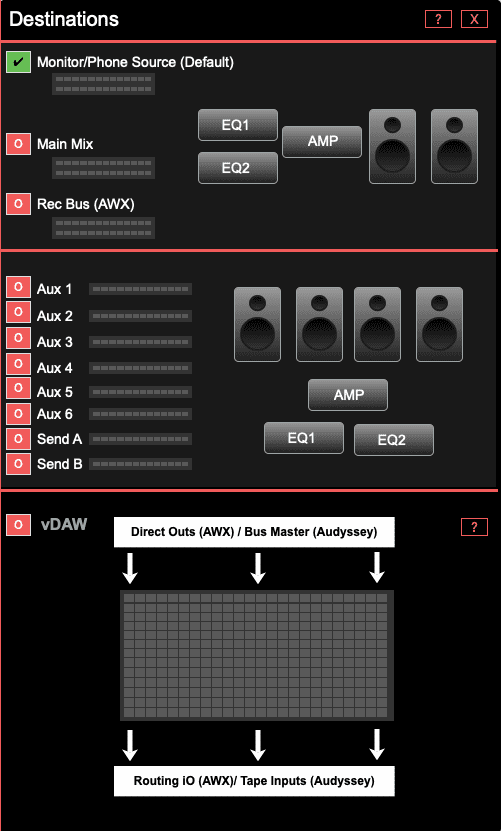
Visualize the sends & busses that could be sent to speakers or headphone mix.
How To Use
Select the “O” button beside the destination label to monitor it’s signal. The “monitor/phone source” is selected by default.
Destinations
- Monitor Phone Source
- Main Mix
- Rec Mix (AWX Console)
- Auxes
- Cue Sends
- vDAW (previously on the Sources Tab)