WAX

A bridge for web technologies in the DAW — for music apps, services, and custom experiences.

Download

Use Music Web Apps Like Native Plugins

WAX brings a full browser inside a plugin. Visit music apps and services, browse audio files, or load custom pages that stay wired into your session. WAX makes those pages feel like native plugins.

WAX-WebAudioPlugin_AudioUnit_LogicPro_Screenshot

Features

🔊

Real-Time Audio Bridge

Web audio is captured and routed into your DAW. Use a page as an instrument or as an effect with DAW input as the “mic”.

🎹

MIDI In & Out

Send and receive MIDI between the DAW and the page. Note on/off, CC and automation compatible.

📊

DataTree & State Sync

Push and pull state (presets, params, sequences) between the host and the page for recall and automation.

▶️

Transport & Playhead

BPM, play/stop, and bar/beat from your DAW are available to the page so sequencers and delays stay in time.

💾

Save & Download

When a page triggers a download or save, WAX uses the native file system so you get real files on disk.

How It Works

1
Enter URL
Open any music app, service, or custom page
2
WAX runtime
Bridges connect the page to the DAW
3
Audio · MIDI · Data
Bidirectional sync with your DAW

The plugin embeds a full browser as an Instrument or Effect (MIDI Effect coming soon) and makes music web apps feel like and behave like native plugins. Your session stays in the DAW; the page thinks it’s in a normal browser — whether it’s a music service, an audio file browser, or a custom learning module.

WAX Apps with Full Integration

Click to test drive in the browser or in WAX with DAW sync, MIDI, Audio, Save/Recall

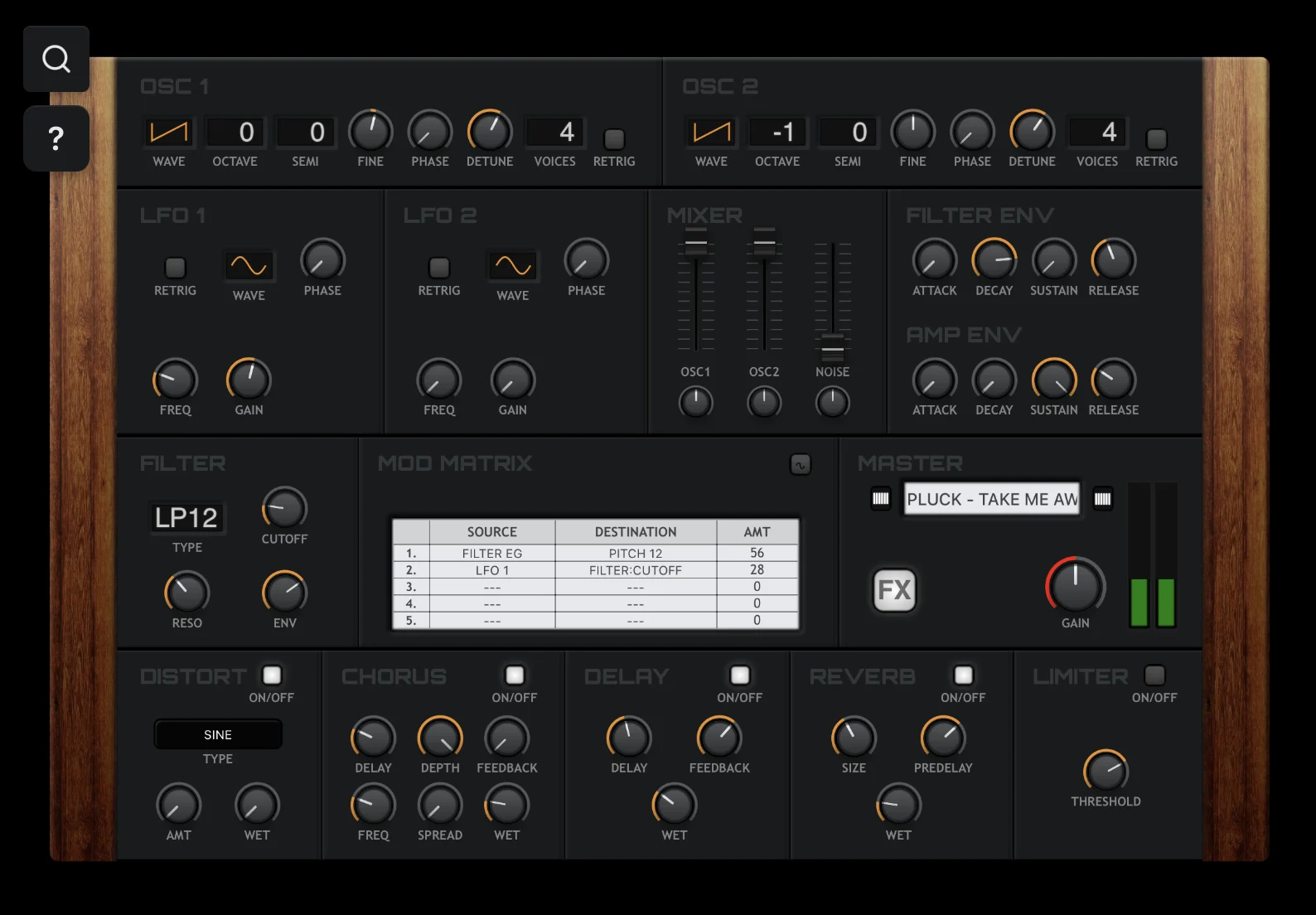
NV-1 Synthesizer
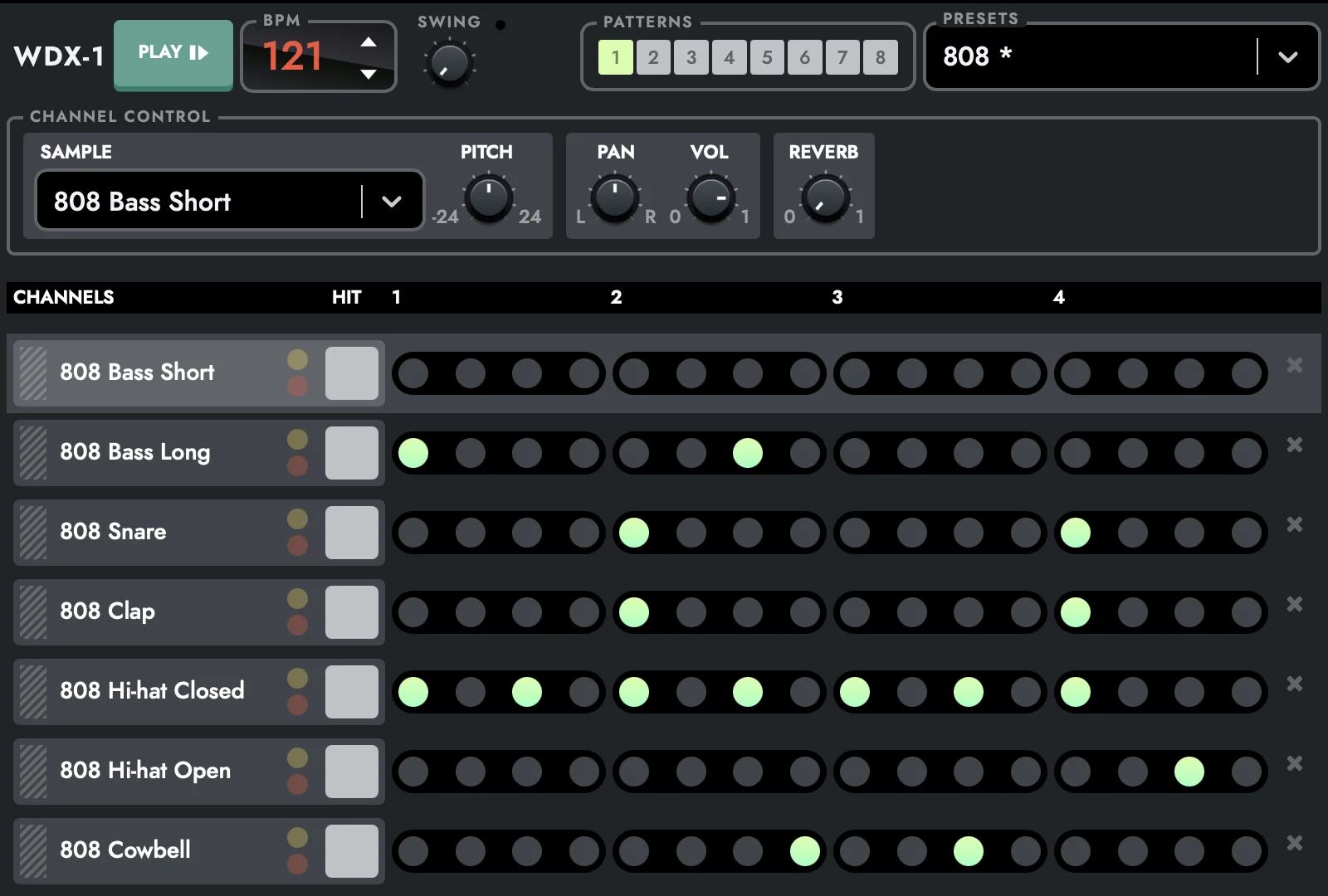
WDX-1 Drum Sequencer
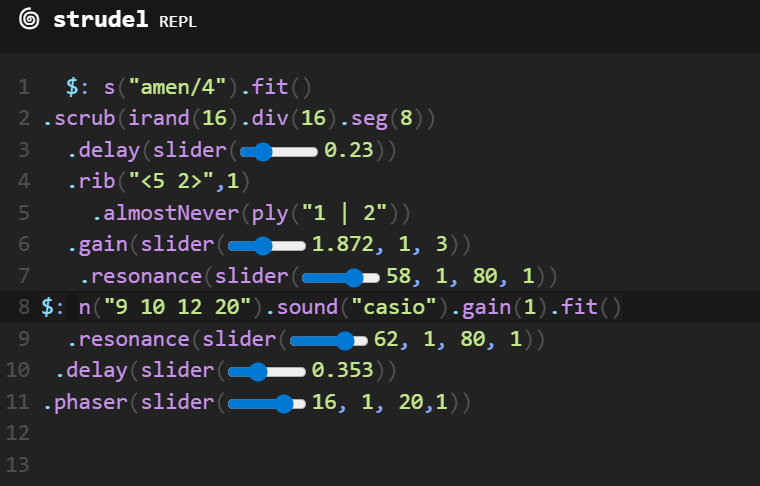
Vue Synth
Infinite Drum Machine
Sequencer-64
Game SFX Generator
Amp Simulator
Wam Bam
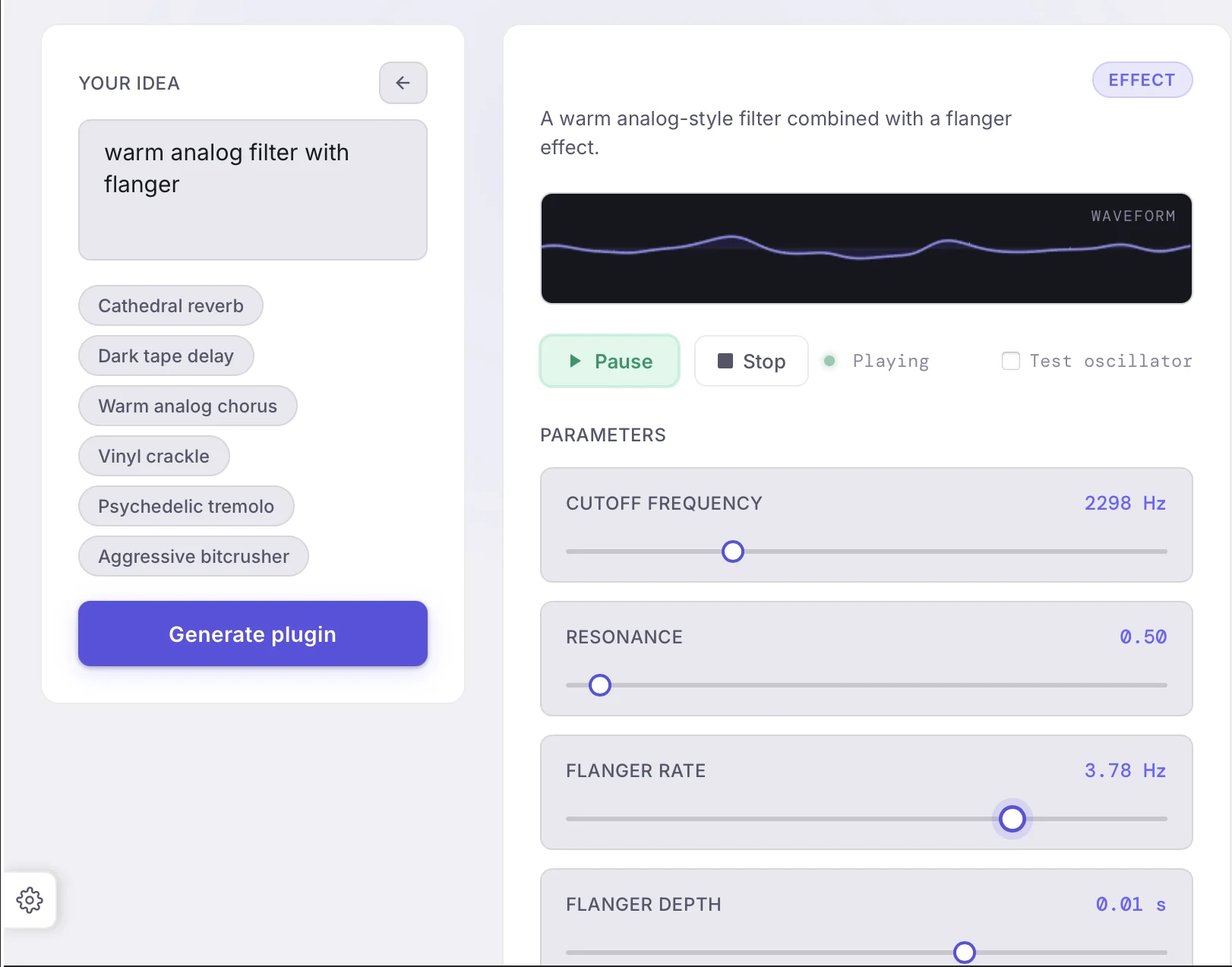
Audio FX Generator (preview)

Build Your Own

WAX lets you build your own audio devices using simple web tools like JavaScript and Web Audio.


Create synths, effects, or utilities, design your own interface, and run everything directly inside your DAW. No complex setup—just build, tweak, and play.


Your ideas become real tools in your session.

WAX_Custom_SnapshotWindow

Why It Matters

No Workflow Breaks

No exporting, no bouncing, no switching between browser and DAW. Everything stays inside your session — fast, focused, uninterrupted.

Built for Creators

Designed for producers, sound designers, educators, and developers who want the power of the web inside a professional music environment.

Future-Proof Your Setup

The web evolves faster than plugin ecosystems. WAX lets you bring modern music tools into your DAW without waiting for native builds.

Download

For best performance and stability, WAX is currently optimized to run at 48kHz sample rate.

Compatibility

Platform macOS (Apple Silicon & Intel), Windows 64 bit
Plugin Format Audio Unit & VST (Instrument & Effect) , AAX coming soon
Status Beta — actively developed with performance and feature updates

Pricing

Free Version

  • Free Roam
  • Can’t Load Presets
  • 3 Instances Max
  • 1 custom page device
  • 3 favorites

For Developers

Build custom pages for instruments, effects, audio experiences, or learning modules. WAX provides host transport, Web Audio, Web MIDI, and save bridging — use standard APIs or the WAX bridge; no special build required.

  • Host Transport: WAX exposes the host’s transport to your page — playhead, BPM, play/stop — so sequencers and tempo-synced effects stay in sync.
  • Audio: Use AudioContext as usual; output is routed to the DAW and you can use DAW input as a “microphone” stream for effects.
  • MIDI: Use navigator.requestMIDIAccess() as usual; MIDI runs reliably in the embedded context.
  • State: Push and pull scoped JSON-like state and presets between host and page.
  • Save: Use normal download/save patterns; WAX forwards them to native file dialogs and disk.
WAX_Custom_SnapshotWindow
Coming soon

Plugin & Standalone Export

Build and prototype your creations in WAX and export to a dedicated plugin or standalone application.

FAQ

What can I open in WAX?

Anything you’d use in a browser for music: Web Audio synths and effects, music apps, sample or cloud services, audio file browsers, or your own custom HTML pages (e.g. learning modules or full audio experiences). Audio, MIDI, and save are bridged to the DAW.

Instrument vs effect?

If the app only generates sound, WAX runs in instrument mode and sends its output to the DAW. If the app requests a microphone (e.g. for a processor), WAX feeds the plugin’s input as the “mic” and runs in effect mode.

Can I build custom pages for learning or experiences?

Yes. Host your HTML/JS on a local server or any URL and open it in WAX. Use the WAX DataTree and transport APIs for state sync and DAW tempo. Great for interactive learning modules, custom instruments, or full audio experiences.